


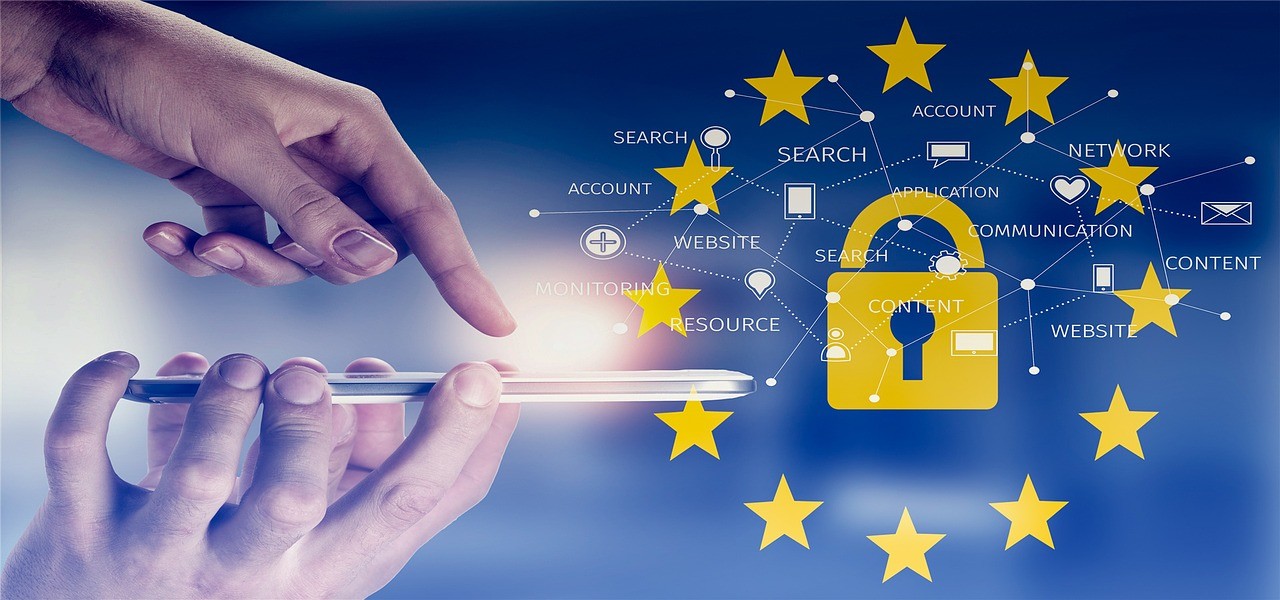

Booking holidays and trips can put your personal information at risk, through simple mistakes made as you plan your travel, communicate during your trip, or share on social media.
- How to Protect Your Privacy When Traveling: 9 Habits to Start Now
- #1 – Book trips on secure websites
- #2 – Enable passcodes/PINs on your mobile devices before you go
- #3 – Turn off automatic Bluetooth connectivity
- #4 – Use only password-protected Wi-Fi networks
- #5 – Use a VPN
- #6 – Regularly check sensitive accounts
- #7 – Keep smart devices in the hotel safe
- #8 – Don’t broadcast your vacation on social media
- #9 – Don’t overthink security risks
How to Protect Your Privacy When Traveling: 9 Habits to Start Now
Here are nine ways to safeguard your personal data and privacy while traveling.
#1 – Book trips on secure websites
When booking anything travel-related, always use trusted websites. The site’s address should have “HTTPS” in the URL. FullTravel Booking, for example, shows this and is part of FullTravel, an established online brand for over 20 years.
#2 – Enable passcodes/PINs on your mobile devices before you go
Enabling security features on your mobile devices is one of the first lines of defense on holiday. If your laptop or phone is left unattended, lost or stolen, a password lock makes it much harder for anyone to gain access.
#3 – Turn off automatic Bluetooth connectivity
Bluetooth is convenient at home or in the car, but many forget to disable it in public places while traveling. With Bluetooth left on, anyone nearby—like in a hotel lobby or a café—could connect to your device, often without you even realizing.
#4 – Use only password-protected Wi-Fi networks
This is especially crucial if you’re traveling abroad. Stick to password-protected Wi-Fi, like what most major hotels provide, for a safer internet connection. If you need to use a public computer to check your email, always log out of your accounts afterwards. Look for HTTPS at the start of URLs as an extra precaution.
#5 – Use a VPN
Double your protection on public Wi-Fi by using a VPN. A virtual private network (VPN) creates a secure “tunnel” that encrypts all the data you send or receive on public Wi-Fi. One of the biggest risks of unsecured connections is the possibility of cyber criminals intercepting your data through so-called man-in-the-middle attacks. Your financial info, passwords, and usernames—virtually any exchanged data—can be at risk if you’re not protected.
#6 – Regularly check sensitive accounts
Before heading out for a day of sightseeing, get in the habit of reviewing your sensitive financial accounts, and do the same when you return home. The sooner you spot suspicious or fraudulent activity, the better. Just remember to log out after every session.
#7 – Keep smart devices in the hotel safe
If your hotel room has a safe, use it to secure any smart devices you won’t need during the day—such as a laptop, USB drive, external hard disk, or similar gadgets. Never leave them unattended in your room while you’re out.
#8 – Don’t broadcast your vacation on social media
No matter how tempting it is to share travel experiences in real time, announcing your location online every few hours can reveal you’re away from home—where personal data or valuables may be left unattended. Instead, wait to post vacation photos until after you’re back, and avoid tagging specific locations.
#9 – Don’t overthink security risks
Try not to become obsessed with security issues while you’re away. It’s not helpful for you or your travel companions. Just follow the steps above and focus on enjoying your well-earned break.